
Gartner reports deepfake social engineering during employee calls.
AI voice cloning can make a support caller sound familiar. Fctr helps employees verify IT and helpdesks verify employees before sensitive actions.
A familiar voice can make a request feel routine: reset an account, approve remote access, or follow an urgent IT instruction. With AI voice cloning, the person making that request may not be who they sound like.
In its September 22 survey release, Gartner says 41% of surveyed CISOs reported at least one social engineering incident involving a deepfake during an employee audio call in the previous 12 months. For video calls, the figure was 36%. The survey covered 297 CISO-level cybersecurity leaders between March and May 2026.
Gartner recommends making verification the expected behavior for sensitive requests. That is the support problem we built Fctr to address: give people a practical way to verify the caller before they act, in both directions of a support call.
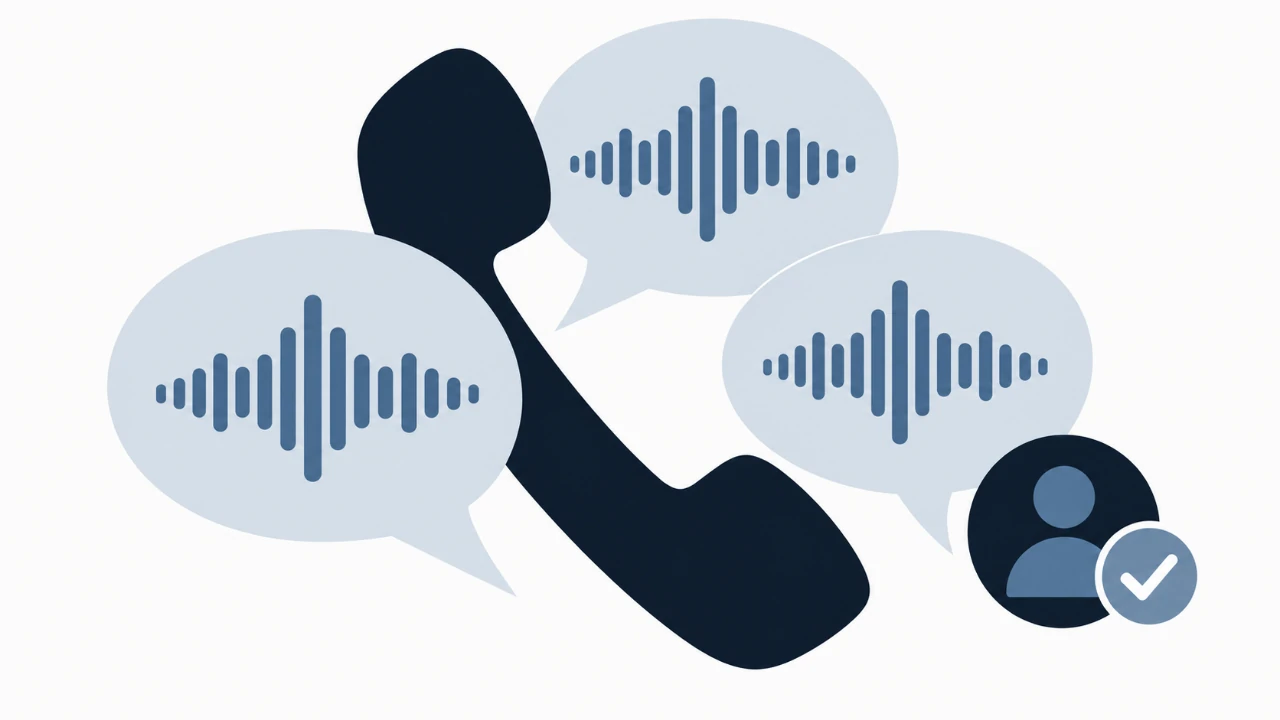
From recognizing a voice to verifying the caller
Gartner's guidance connects three parts of the response: train people to verify and report sensitive requests, strengthen identity and recovery with phishing-resistant authentication and trusted verification channels, and connect suspicious communications with account changes during detection and response.
For a helpdesk, this means putting the identity check into the work itself. An agent handling a password reset needs an approved verification result. An employee receiving an unexpected support call needs a known place to check the person asking for access.
The same process should apply whether the caller is familiar or unexpected. Staff should not have to identify a deepfake before deciding to verify.
Verify employees before password resets and account unlocks
Fctr Portal gives helpdesk agents one workspace to:
- Find the employee and see live Microsoft Entra ID or Okta user details.
- Verify the caller using supported factors the organization already manages.
- Perform approved password resets or account unlocks, with verification enforced before those actions become available.
- Keep the verification, action, and outcome connected in the audit record.
Agents stay in one workspace instead of switching between provider admin consoles, with access limited to approved support actions.
That is what I want a support team to see in Fctr: caller verification and the work that follows it, together in one place.
Give employees a way to verify IT callers
The other direction matters just as much. An attacker can approach the employee claiming to be the person who will fix a problem. As our ClickFix and fake IT support article explains, a troubleshooting request can become an instruction to run a command or install software.
With Fctr's two-way caller verification, employees can verify someone claiming to be IT before following sensitive instructions. They independently open Fctr Verify in Teams or Outlook, review the request, and complete the caller-verification workflow through their established company app.
They wait for Verification complete before continuing. If the caller is not verified, they end the call and contact support through a trusted channel. They have a concrete step to follow, without relying on the voice or a verification link supplied by the caller.
Make the process easy to follow under pressure
Put three things into the support procedure: the trusted app or channel people should open, the verification required before an action, and the escalation path when verification cannot be completed. Practice the same steps with genuine IT staff so employees know that checking a caller is normal.
Keep phishing-resistant sign-in, approved remote-support procedures, endpoint protection, and monitoring after account changes alongside that process. Verification establishes evidence about the caller; the organization's policies still decide which actions are allowed.
See both directions of caller verification with Fctr
You can start with the supported factors your organization already manages. Fctr brings them into a support workflow where the helpdesk can verify employees, employees can verify IT, and approved account actions stay connected to verification and policy.
Talk to the Fctr team for a walkthrough using your support scenario. See the caller verified, the permitted action completed, and the evidence kept together in Fctr Portal.